
Procurement System
The procurement system is made of of procurement software modules, for the comprehensive management of your requisition and procurement processes through managing of your internal procurement processes. Initiate purchase requisitions for goods and services, which is sent for authorisation Create requisitions and purchase orders, manage product delivery while streamlining the procurement management processes.
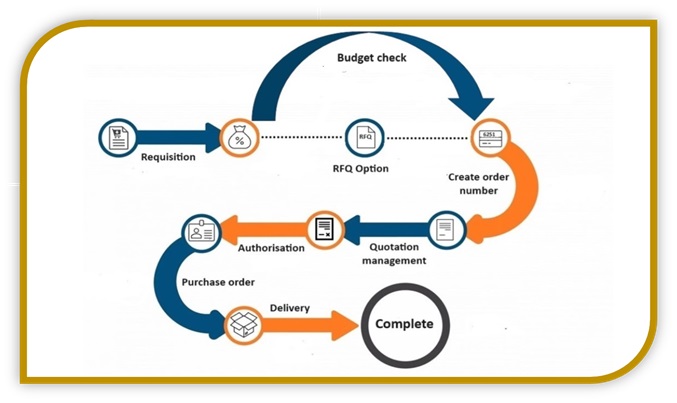
Procurement system flexible workflow
- Employees create requisitions
- Configurable multi-level authorizations, such as Department HOD, Division HOD, Finance Accountant, Finance Manager, Finance Director and CEO, depending on requisition criteria
- Order number creation, with direct to supplier sending
- Review, approve and reject requests with comments, such as missing documentation
- Request budget check, either automatic if budget module is purchased or manual budget review
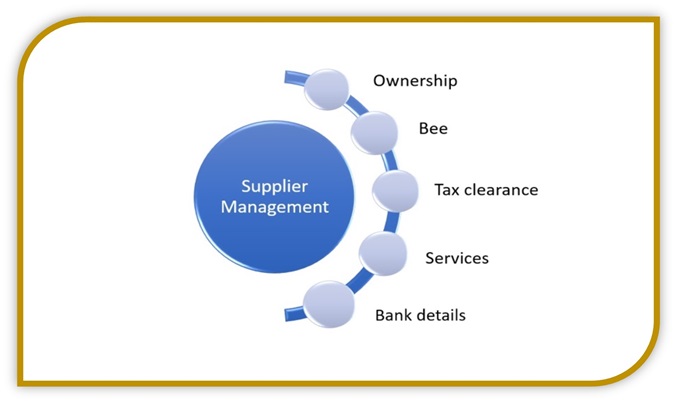
Supplier management
- Simple mode allows for creation of suppliers, and authorisation
- If supplier module is purchased, all supplier criteria is obtained and maintained, allowing suppliers to register and update their details, see the Supplier Module
- Manage supplier contracts (if contracts module is purchased)

Procurement system to manage payments
- Manage cash flow
- Manage supplier bank accounts securely, using blockchain like technology to prevent hacking
- Track payment audit trail, easy access to payment status for requisition creator / department head
Bank integrations
- Multiple bank accounts management
- Bank Integration (batch upload, or bank API)
- Bank rejections batch processing

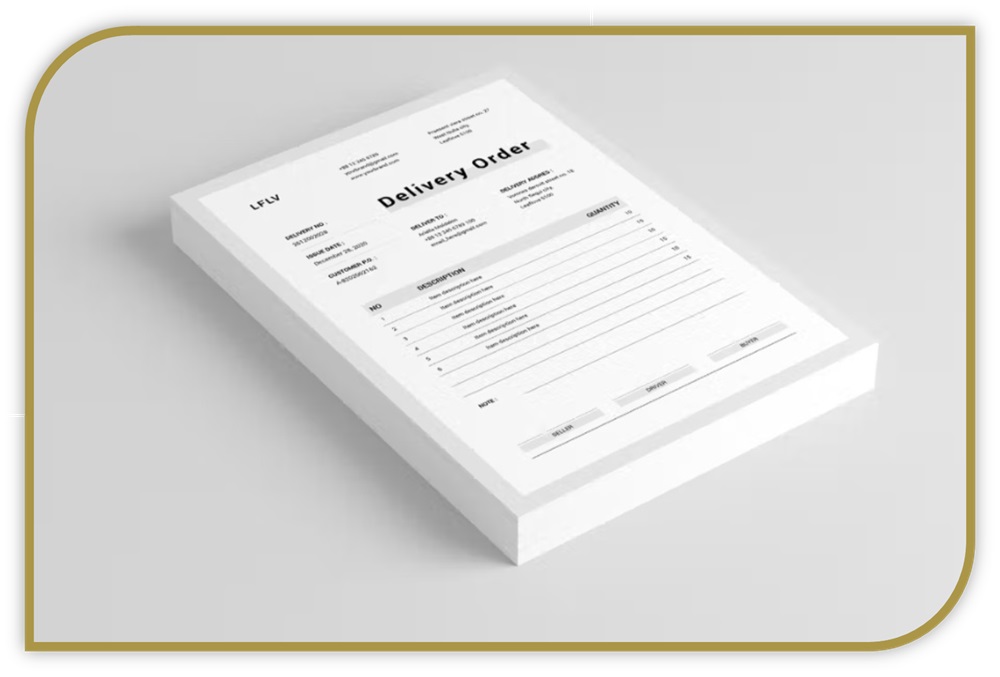
Delivery management
- Record delivery notes information
- Managing partial deliveries
- Delivery documentation management
Reporting
- Track payments according to department / division
- Intelligent Search
- Dynamic customisable reports

Online procurement software can save your company thousands, and prevent corruption
- Are your procurement ethical and legal?
- Do you have reliable authorisation processes in place with regards to company spending?
- Do you know where company funds are being spent?
The Intoweb procurement software can help you consolidate, streamline and create an ethical online procurement process.